Get started
Start with a working Android TV remote and a Backdrop Launcher APK. You can use the included artwork immediately; a Trakt account is optional.
- Install Backdrop Launcher. Open the downloaded APK on your TV and follow Android’s installer.
- Find your way around. Use the D-pad, Select and Back to reach apps and Settings.
- Build your first row. Give it a name and select the apps you want in it.
- Choose the view. Pick an accent and card background that work with your backdrop.
- Turn on Continue Watching. Compatible apps can then contribute programmes to Home.
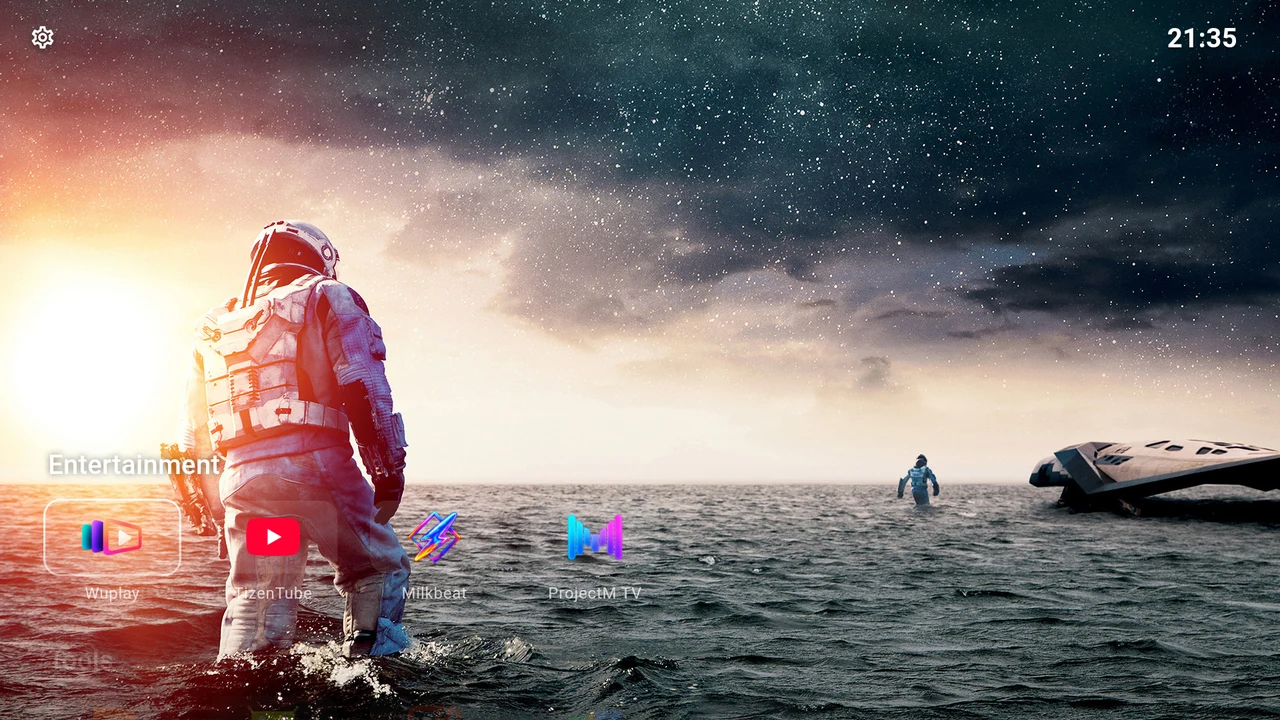
The guide uses English menu labels. Translated labels and Android’s own settings may differ on your TV. Screenshots show real TV captures; the selected apps, artwork, time and saved preferences are examples.